

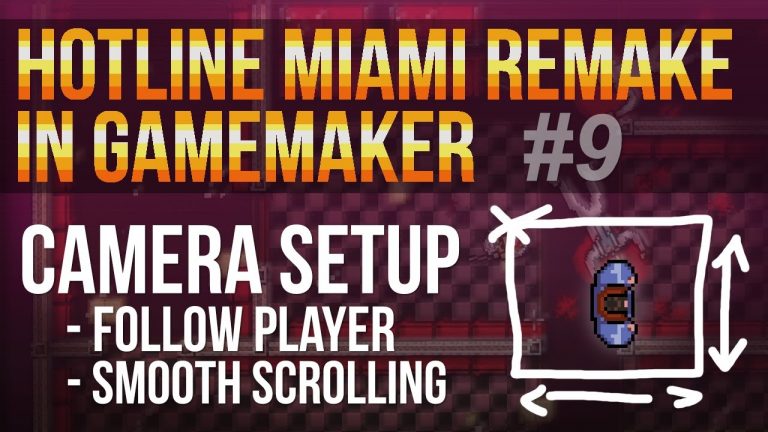
This is the 9th video in a series on remaking Hotline Miami in GameMaker Studio. The video tutorial shows you how to setup a more efficient and smooth scrolling camera system GameMaker Studio. This can be done by manually ajusting camera properties of the default camera[0] with an object...
Layout A (with pagination)
Hotline Miami Remake
Hotline Miami Remake in GameMaker Studio #8 – Player animation + keyboard input
This is the 8th video in a series on remaking Hotline Miami in GameMaker Studio. This video tutorial shows you how to use input control by utalizing the keyboard’s awsd keys. In the second part we make a seperate animation for the feet, because we want them only to be drawn when we...
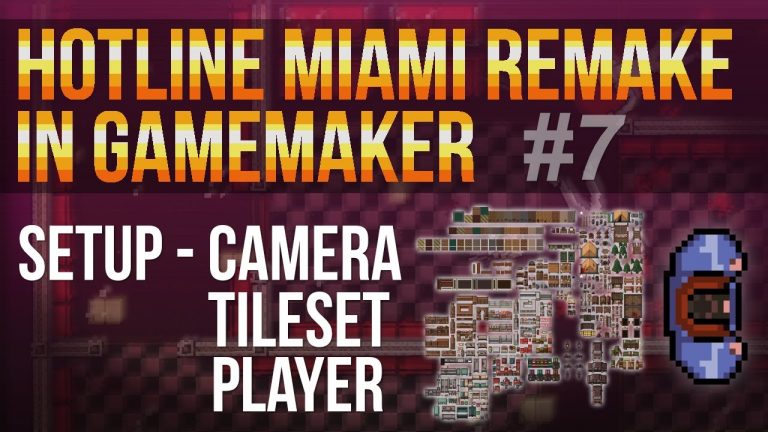
This is the 7th video in a series on remaking Hotline Miami in GameMaker Studio. This video tutorial shows you at the very beginning how to set up the gameplay part. We have to do a little housekeeping at the very start to make things a bit more structured. Here we create a few groups and...

This advanced video tutorial shows you how to make lighting in GameMaker Studio. The idea is quite simple, you assign at the very start diffrent points (x,y) which are being used to draw lines between them. These points are being are also used to draw a sprite that functions as a...
This is the first video in a series on remaking Hotline Miami in GameMaker Studio. This video tutorial shows you how to toggle between 4 options of the menue the way you see it in Hotline Miami in GameMaker Studio. It has no functionality and the aim is simply to set this as a template...