
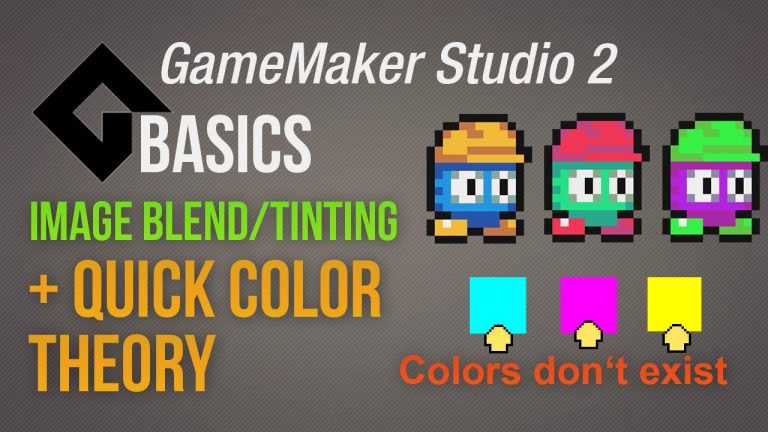
This basics video tutorial shows you what color blending is in GameMaker Studio plus why there is not a colors like magenta, cyan and yellow. There are two ways how you can make an image blend/tint. One, is simply having for every sprite possible a dublicate which has been changed in its...
Layout A (with pagination)
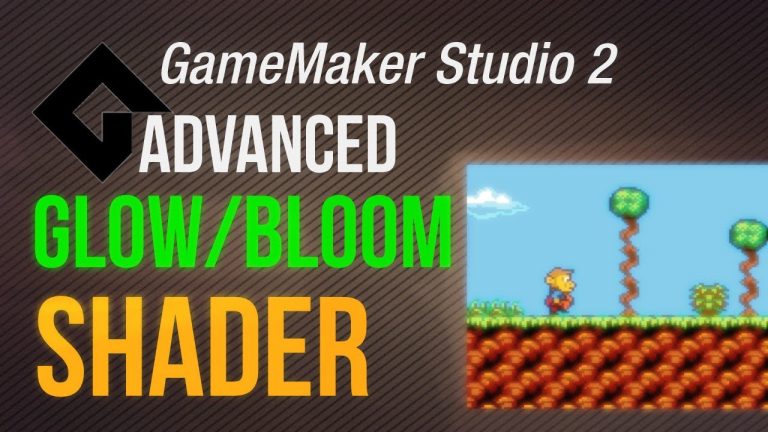
This advanced video tutorial shows you what the bloom/glow effect (shader) is, how you can recreate it in a photo editing software and last but not least how to use it in GameMaker Studio. The idea behind the bloom/glow effect is quite simple. You copy an image, highlight the bright spots...
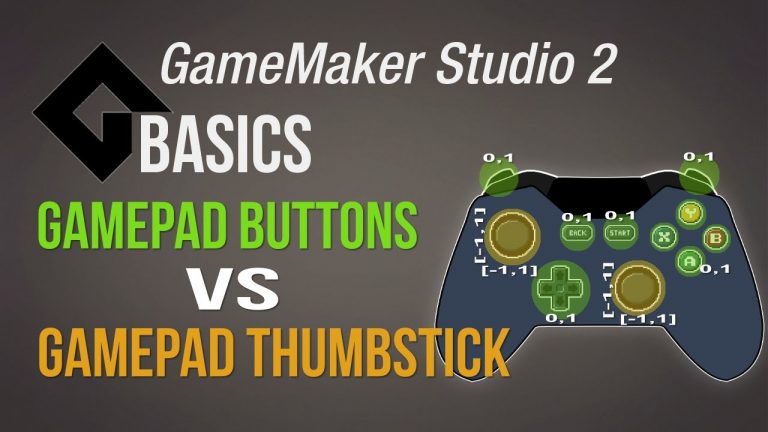
This basics video tutorial shows the difference between the normal gamepad input buttons and the thumbsticks in GameMaker Studio. The regular buttons like x,y,b,a (Xbox controller), tringle, square,x,o (playstation controller), shoulder R1, R2,L1,L2 and the d-pad are binary in their...
This basics video tutorial shows you how to use fonts in GameMaker Studio and how to enable special characters (of languages or even other languages) which are not being used per default in GameMaker Studio. This is how it works. When you create a font (asset) GameMaker saves this font as...
9 slices are basically a way to stretch an image but to keep the 4 corners static so that it still looks usable for textboxes, menues or even healthbars. This video tutorial shows you what 9-slices are and 2 practical demonstrations how to utalize this brand new feature in GameMaker...