
This basics video tutorial shows you how to use the powerful sprite/image editor in gamemaker studio. Is it like a small photoshop or gimp? Yes it is. This editor besides simply importing seperate images or whole sprite sheets is quite powerful when you need to ajust already existing...
Layout A (with pagination)
This basic tutorial shows you how to make 8-directional movement with a state machine in gamemaker studio. What the hell is a state machine? Glad you asked, even if you didn’t 😀 A state machine is simply a standard way in programming to keep seperate units of behavior in so called...
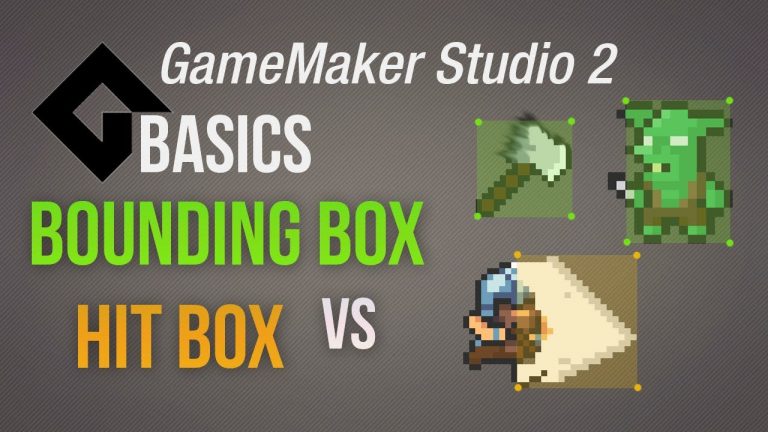
This basics video tutorial shows you the difference is between the regular collision with the bounding box and advanced hitboxes in GameMaker Studio. Why is that relevant? Well, the bounding box is still the easiest way to setup collision between two objects, which is absolute fundamental...
This basics video tutorial shows you the way Gamemaker uses layers and the depth system. Is there a difference? Yes there is! If you own GameMaker Studio 1.4 or a previous Game Maker copy you are only using the depth system which is basically defining what is being draw on top of each...

This basics tutorial shows you how to change the sprite for the mouse cursor GameMaker Studio. There are options to change the default mouse cursor to other predefined ones but you need to understand that gamemaker allows you alternatively to change the image of the cursor. So why is this...