

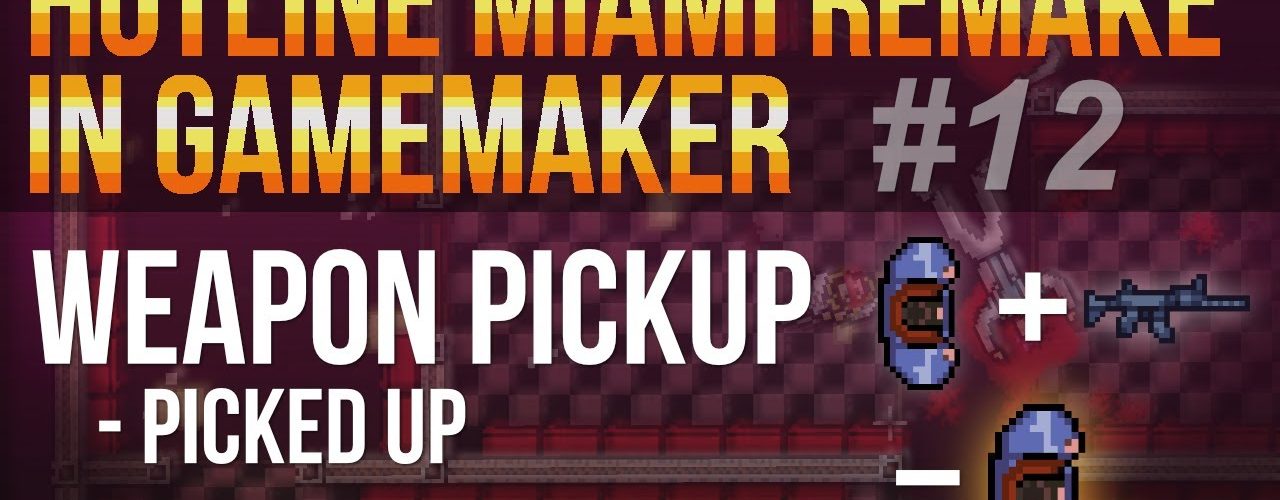
This is the 12th video in a series on remaking Hotline Miami in GameMaker Studio.
The video tutorial shows you how to setup another sprite which is being draw over the player object. This sprites indicates that a specific weapon is being equipped and is purely cosmetic. We also setup a collision in the weapon pick up object to change the player’s object sprite which is showing the currently equipped weapon.
// music by 14BitAshren
Blonde Sunrise
https://www.youtube.com/watch?v=k_cxPC2p1F4
0:00 What we want to do
0:59 Setting up weapon sprites for the player object
4:12 Chaning the player object zoom button to shift
5:30 Setting up a collision in the weapon pickup object
Project + assets found here:
https://1up-indie2.itch.io/hotline-miami-clone-project-sprites
👑 Support me and get fresh game art and game maker projects every month:
https://www.patreon.com/1upindie
Follow me on:
📸 Instangram: https://www.instagram.com/1upindie
🐦 Twitter: https://twitter.com/1upIndie
💬 Discord: https://discord.gg/gvr98nb
📜 Udemy: https://www.udemy.com/course/become-a-video-game-developer-with-gms-23/ (See youtube about page for discount)



Add comment