

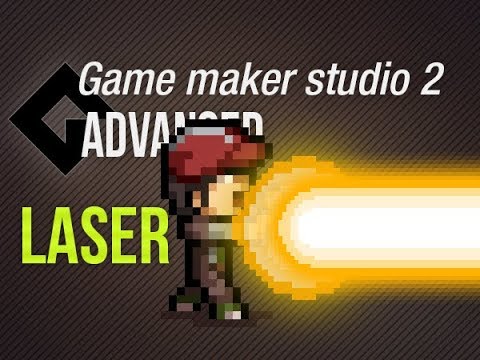
This video tutorail shows you how to make dead cells style blending and hovering of items in gamemaker studio 2. The ease function is very powerful to use for hovering or a pulse.
Ease function in detail on this channel:
https://www.youtube.com/watch?v=iPcpNIrS-Kk
Ease scripts here:
https://www.patreon.com/posts/3-ease-functions-29019361
Gpu blending and light here:
https://www.youtube.com/watch?v=7GFggYDglmo&t=627s
▶ Gamemaker Studio: https://www.yoyogames.com/get
▶ Trial limitations: https://help.yoyogames.com/hc/en-us/articles/230407528-GameMaker-Studio-2-Trial-Limitations
🎮 My free game Clunky souls:
https://1up-indie2.itch.io/clunky-souls
💓 My assets:
Get some assets at itch.io https://1up-indie2.itch.io/
👑 Support me and get fresh game art and game maker projects every month:
https://www.patreon.com/1upindie
Follow me on:
📸 Instangram: https://www.instagram.com/1upindie
🐦 Twitter: https://twitter.com/1upIndie
💬 Discord: https://discord.gg/gvr98nb
📜 Udemy: https://www.udemy.com/course/become-a-video-game-developer-with-gms-23/ (See youtube about page for max discount)



Add comment