
This visual/vfx tutorial shows you how to improve your video game graphics with the particles the easy way. The idea is quite simple. Here we spawn a projectile/shot or whatever you want to call that. It generates witch each looping of its alarm 3 particles that go off in the opposite...
Layout A (with pagination)
Advanced Gamemaker, Game Design, Gamemaker AI, Gamemaker Basics, Hotline Miami Remake, Interviews, Made in Gamemaker, Pixel Art Game, Super Demon Survivors, Uncategorized, Vampire Survivors Remake, Video Game Reviews, Visual Effects
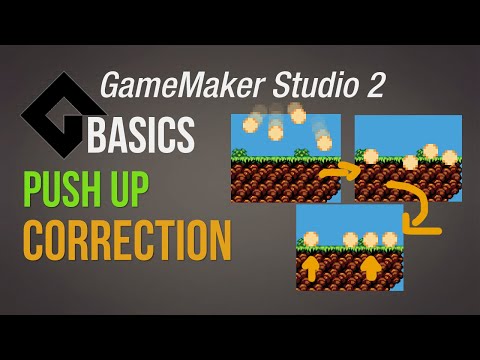
Push up correction for pickups – [Game Maker Studio 2 | Basics]
This basics video tutorial shows you how to create a solution for pickups that land on a wall instance. Because there are different …

Advanced Gamemaker, Game Design, Gamemaker AI, Gamemaker Basics, Hotline Miami Remake, Interviews, Made in Gamemaker, Pixel Art Game, Super Demon Survivors, Uncategorized, Vampire Survivors Remake, Video Game Reviews, Visual Effects
Character creation tool/generator V4 – Ninja pack is out!
This character creation tool made in GameMaker Studio 2 will be way to create your own custom sprite for a sidescroller with only a few clicks. You can choose there between distinct states like idle, run, fall, jump, attack, dead and hit for seperate sprite parts like the head, face...

Advanced Gamemaker, Game Design, Gamemaker AI, Gamemaker Basics, Hotline Miami Remake, Interviews, Made in Gamemaker, Pixel Art Game, Super Demon Survivors, Uncategorized, Vampire Survivors Remake, Video Game Reviews, Visual Effects
Rejoice! Our new masters have spoken, OperaMaker Studio 2 Roadmap 2021
Hey guys, a little update on the future of GameMaker Studio 2. They laid out their quarter roadmap and these changes are quite welcomed! The main feature incoming for this quarter is the 9 slice, which is perfect for stretching user interfaces like dialog boxes or menues. Besides that...
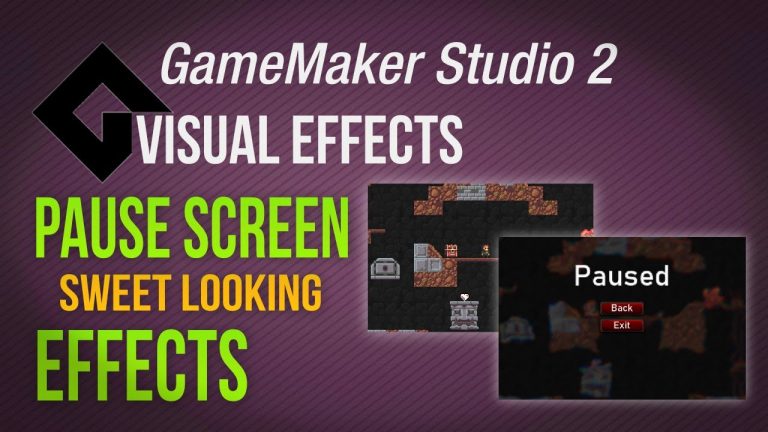
This visual/vfx tutorial shows you how to improve your video game graphics with the particles the easy way. The idea is quite simple. To make the game feel more polished you can use particles to enhance it overall by spawning particles like a trail after the projectile/bullet/magic spell...