

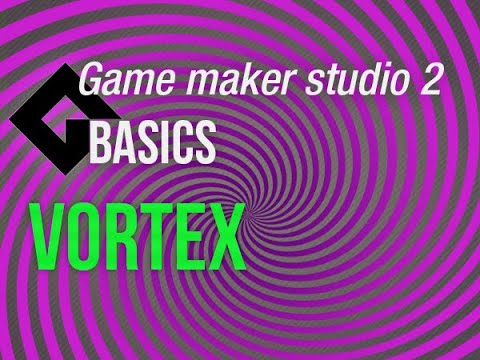
This basic video tutorial shows you how to make a simple but neat looking vortex in gamemaker studio. The idea behind is quite easy, make a sprite that looks like a vortex and then simply rotate it. Here I will show you how to create the sprite in photoshop the easy way and later on how to make it rotate plus tint it. Vortexes like this are a very great looking addition to make the background more interesting.
▶ Gamemaker Studio: https://www.yoyogames.com/get
▶ Trial limitations: https://help.yoyogames.com/hc/en-us/articles/230407528-GameMaker-Studio-2-Trial-Limitations
🎮 My free game Clunky souls:
https://1up-indie2.itch.io/clunky-souls
💓 My assets:
Get some assets at itch.io https://1up-indie2.itch.io/
👑 Support me and get fresh game art and game maker projects every month:
https://www.patreon.com/1upindie
Follow me on:
📸 Instangram: https://www.instagram.com/1upindie
🐦 Twitter: https://twitter.com/1upIndie
💬 Discord: https://discord.gg/gvr98nb
Advanced Gamemaker, Game Design, Gamemaker AI, Gamemaker Basics, Hotline Miami Remake, Interviews, Made in Gamemaker, Pixel Art Game, Super Demon Survivors, Uncategorized, Vampire Survivors Remake, Video Game Reviews, Visual Effects
🔴Game Maker Studio 2 | Basics – Vortex or swirl


Add comment